





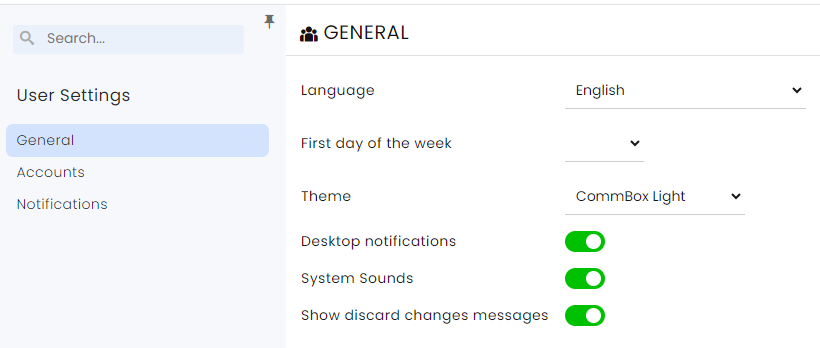
The user settings control general definitions such as language and listing of associated accounts and notifications.
How to Define User Settings?
Click the user’s initials in the circle on the right side:
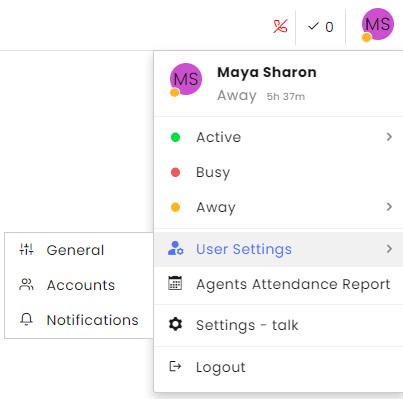
Click on General to open the following window:
Notifications
Note that in order to receive notifications, the user’s email must be verified.
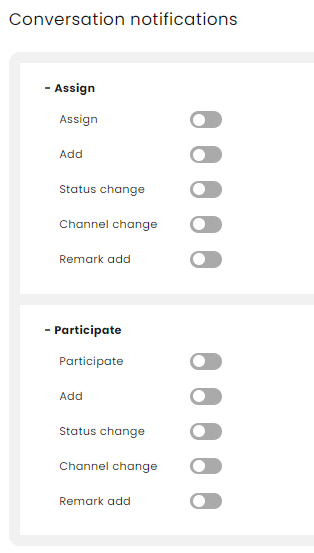
When clicking on notifications in the menu, the following options will appear:
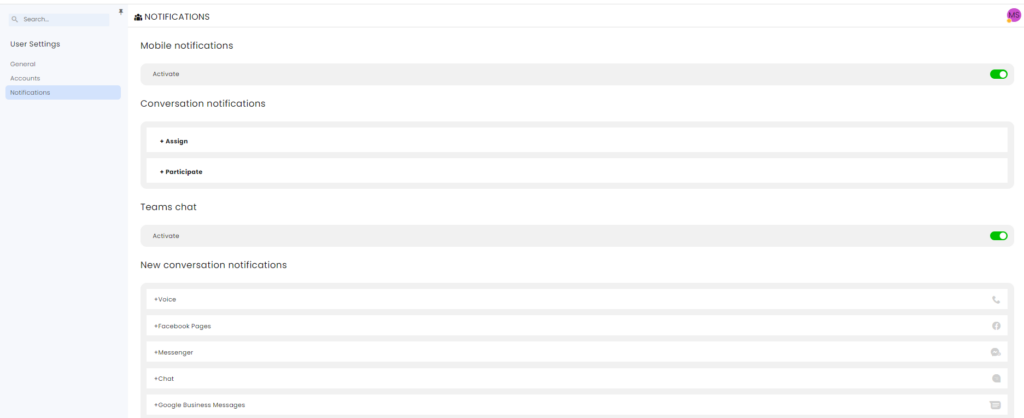
Conversation notification – assign: to understand conversation assignment and participation in a conversation, refer to the conversation assignment page in the customer portal.