





CommBox Chat has many features to enrich communication with automotive solutions, such as complex bots, automatic messages, and integrations. It can work both synchronously and asynchronously.
Creation a New Chat Channel
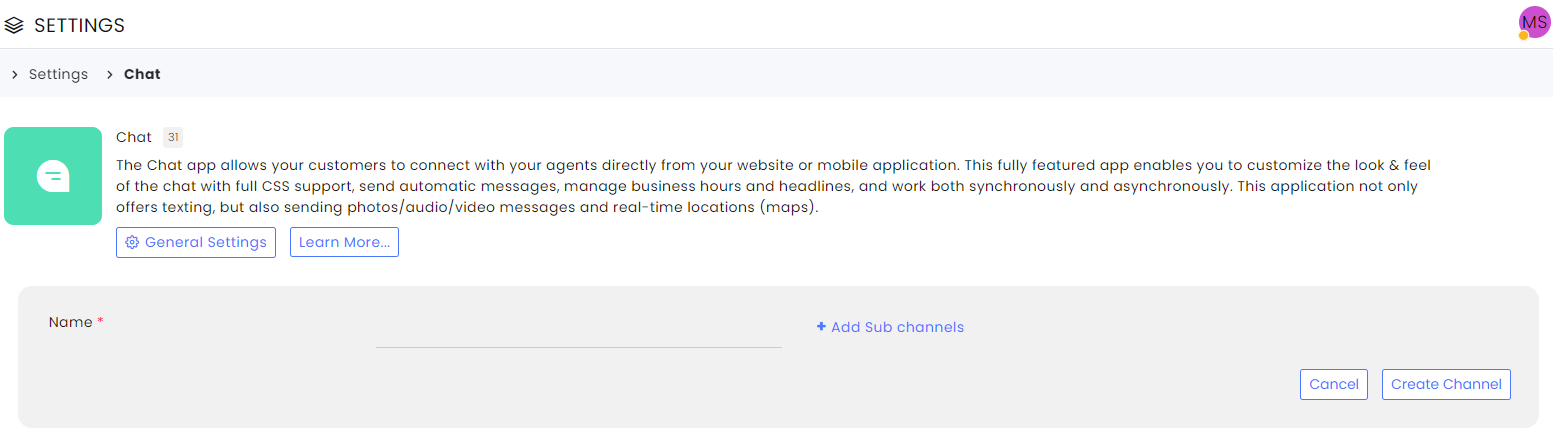
- Navigate to the main Settings page, select the Chat module from the App section, and click the +Create Channel button at the top.
- Enter a name and add sub-channels (optional).
- Click Create Channel
4. Use the channel settings to enrich the chat’s functionality. You can add certain features to a specific subchannel or set all of them the same way by selecting All or a specific subchannel the Subchannel drops down at the top.
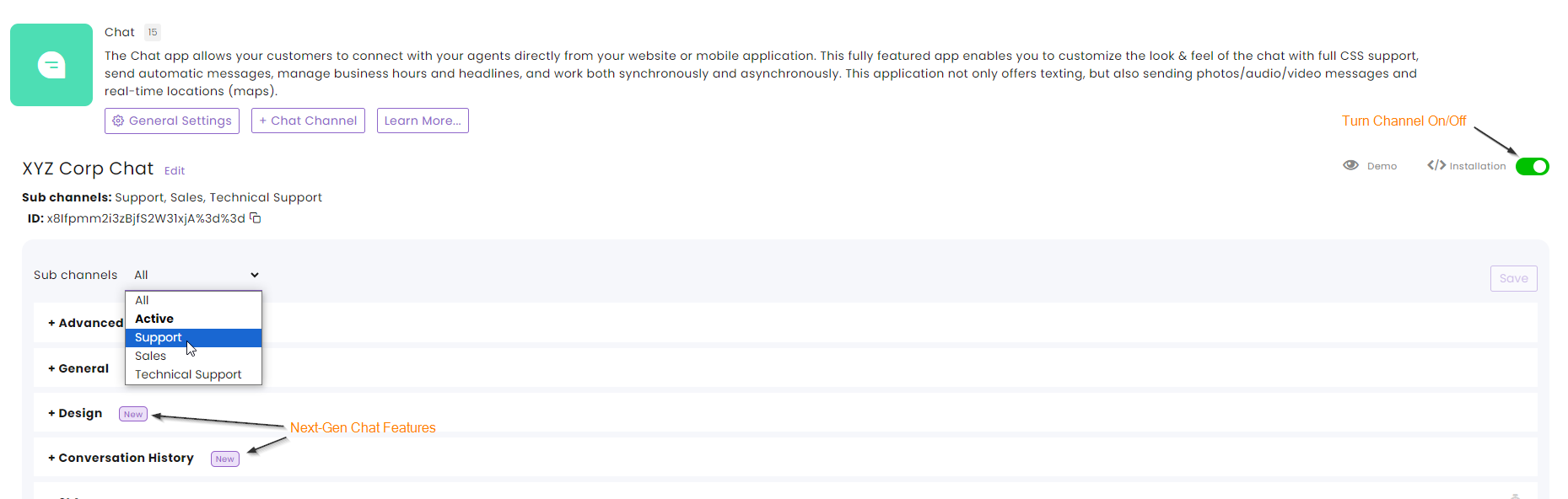
5. Click the Demo button to view the functionality outcome.
Note that subchannels appear as branch options at the beginning of the flow.

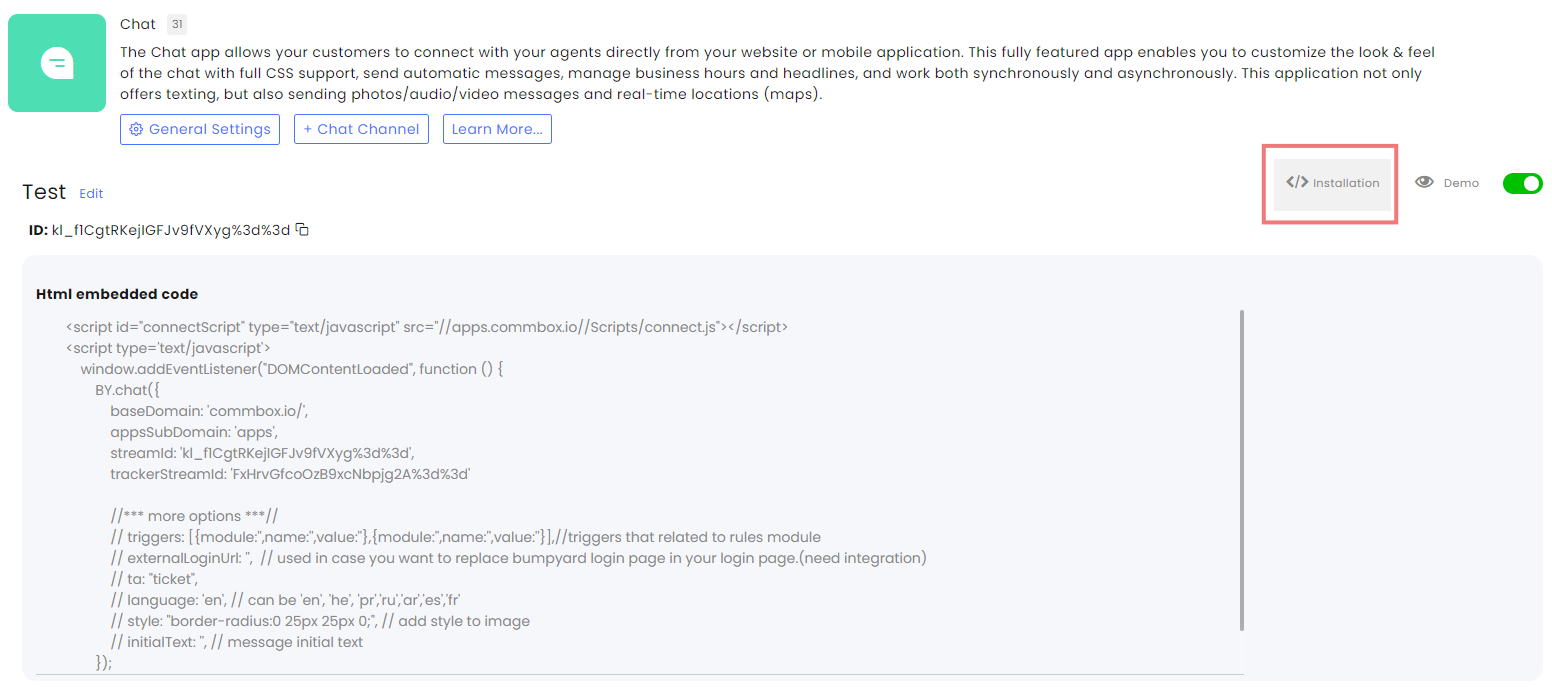
6. To install the final product on your website, click the Installation button to see the required code.
7. Click Save at the corner to save the settings.
Channel Settings
For the chat channel setting, click the channel setting user guide.