





The Maintenance tool enables the management of inactive conversations within your organization. It automatically changes their statuses to Archive/Delete after a preset number of days without interactions or updates and allows you to delete them permanently.
Settings
- Navigate to Settings and select the Maintenance module in the Settings & Tools section.
- Enter the number of days for each section and click Save at the bottom of the screen.
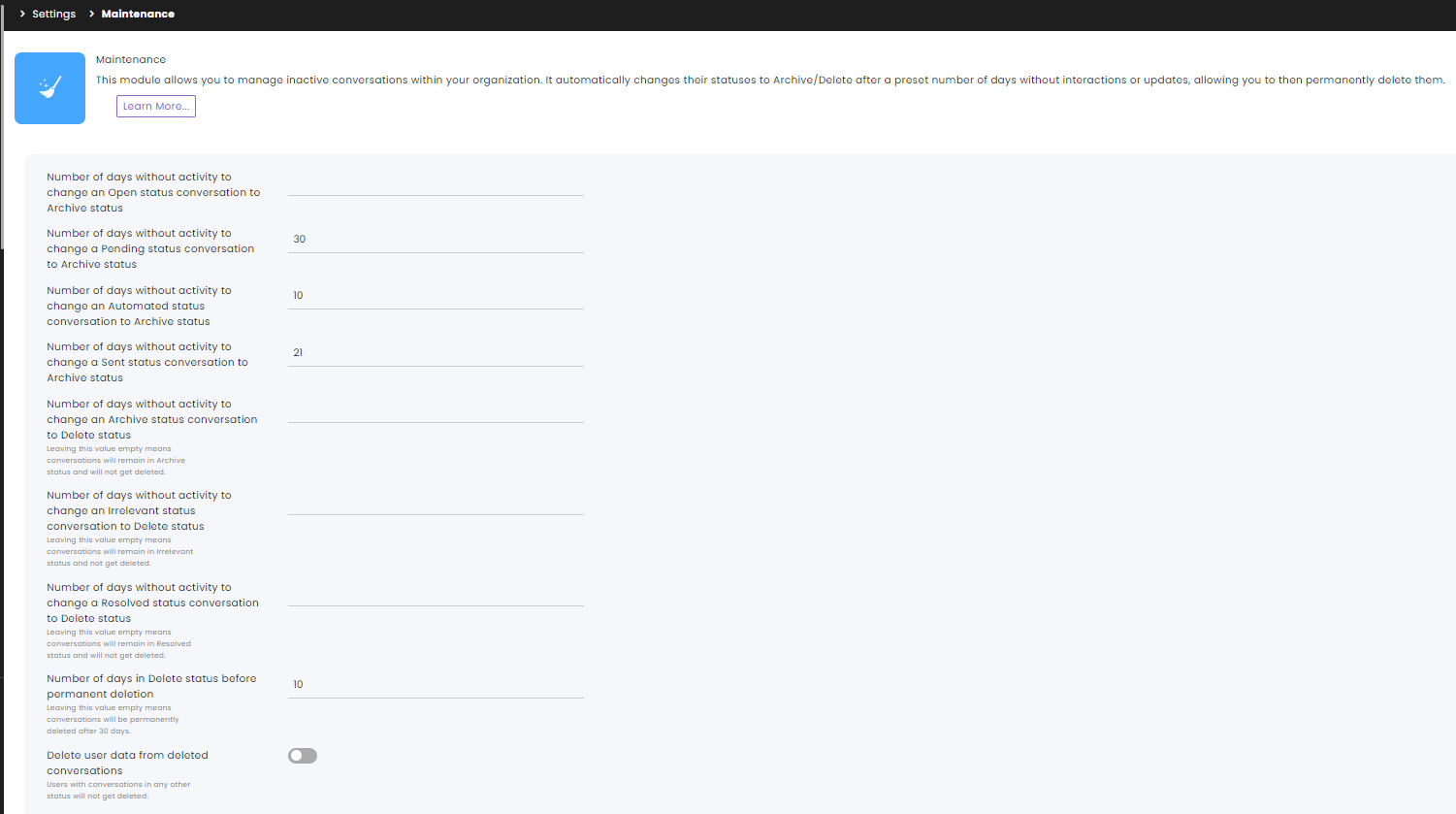
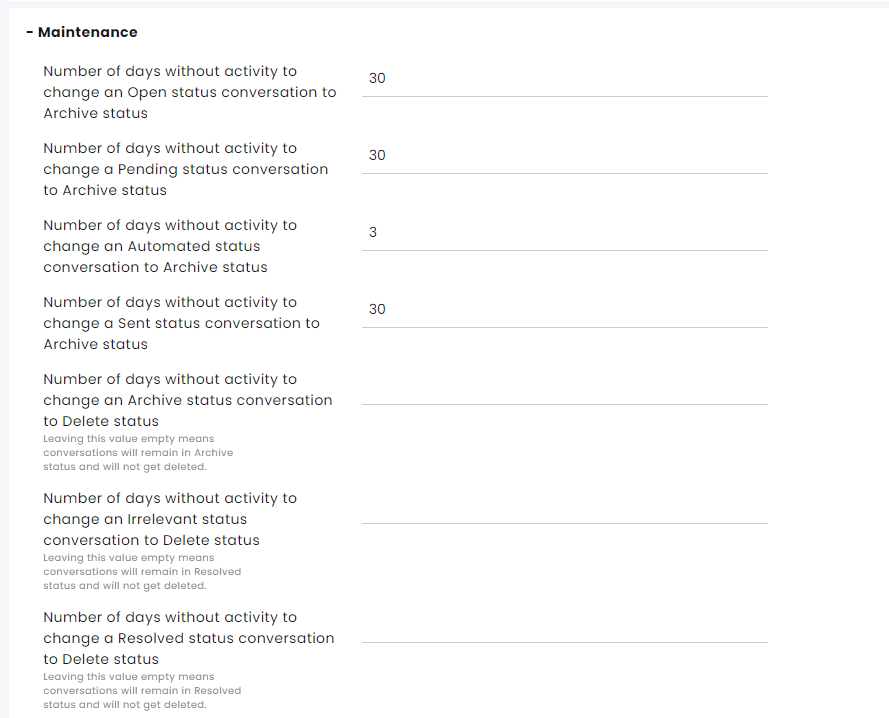
Number of days without activity to change an Open status conversation to Archive status
Number of days without activity to change a Pending status conversation to Archive status
Number of days without activity to change an Automated status conversation to Archive status – Automated conversations involve a chatbot that will be archived.
Number of days without activity to change a Sent status conversation to Archive status – Conversations with messages that were sent to customers or 3rd party entities and have not received an answer so far will be archived.
Number of days without activity to change an Archive status conversation to Delete status
- Leaving this value empty means conversations will remain in Archive status and will not get deleted.
- Entering zero (0) in this section will send the Archived conversation immediately to the Delete status, set for permanent deletion.
Number of days without activity to change an Irrelevant status conversation to Delete status
- Leaving this value empty means conversations will remain in Irrelevant status and will not get deleted.
- Entering zero (0) in this section will send the Irrelevant status conversation immediately to the Delete status, set for permanent deletion.
Number of days without activity to change a Resolved status conversation to Delete status
- Leaving this value empty means conversations will remain in Resolved status and will not get deleted.
- Entering zero (0) in this section will send the Resolved conversation immediately to the Delete status, set for permanent deletion.
Number of days in Delete status before permanent deletion – This is the last buffer before the information is deleted. If you leave this value empty, the information will be deleted after 30 days in this status.
Entering zero (0) in this section means information gets deleted immediately upon reaching this status.
Delete user data from deleted conversations – Toggle on to delete users’ information related to the deleted conversation as well. If the user is associated with another conversation, the information will not get deleted.
Channel Settings
Each of the communication channels can override some of the module’s settings.
Set the setting and click Save at the bottom of the screen.